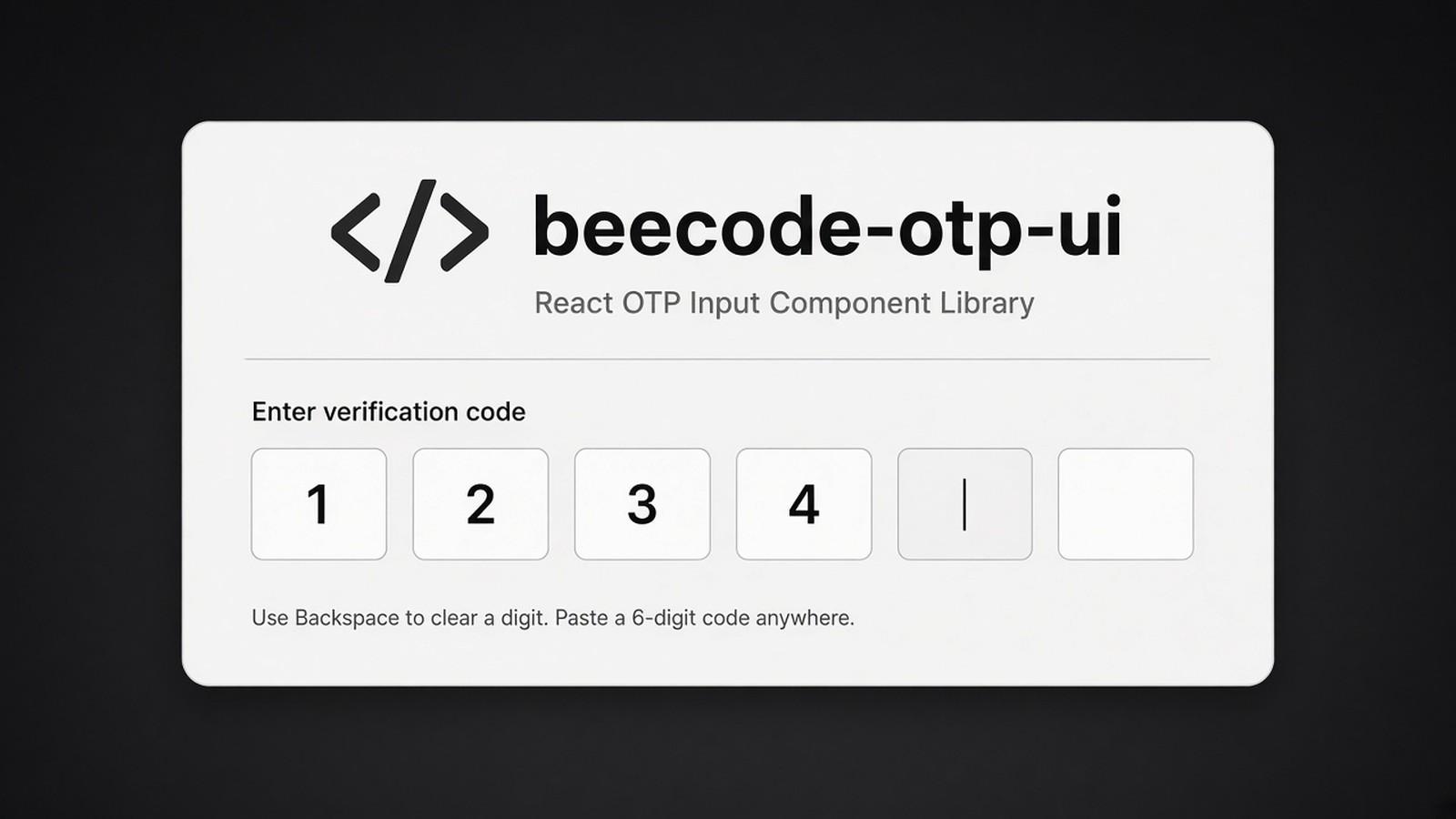
Rewriting the same OTP input in every project.
A React OTP field that handles backspace and delete and works with Tailwind.
01The third time
A friend messaged on a Saturday: "do you already have that OTP box, or should I just build it?" I knew exactly which box. Phone login, six little squares, the code arrives, and then the unglamorous part — focus jumping to the next input, backspace sending you back, delete not leaving a stuck digit, paste filling all the fields. I had already built it twice in side projects, including anywhere I needed a phone OTP, and I was about to start a third. That is a silly way to spend a weekend.
So I said I would put the one I keep rewriting into a package, and they could try it instead of starting from a blank input.
02What I shipped
beecode-otp-ui is a small React component. You tell it how many fields you need — usually four or six — and optionally give it a function that runs when the last box is filled, plus an error string and a class name. It handles the keystrokes that always get messy, backspace and delete included, and the class name works with Tailwind. You install it with npm and import `OTPUI`. That is the whole idea. No design system, no account, no extra ceremony.
It is on npm at 1.0.4, and the code is on GitHub.
03Who it's for
Anyone in a React app who needs an OTP field and does not want to re-learn the same focus bugs. If you are building a phone-first login, you will meet this component eventually. Better to meet it once.
04What I learned
The things I am slightly embarrassed to rebuild are often the ones worth packaging. They are not impressive in a portfolio screenshot. They are impressive at 11 p.m. when the cursor will not go backwards.