Customers send print files over WhatsApp, Viber or USB.
Shop staff dig through chats, print, and then the files sit on the shop PC forever.
01The afternoon it started
I needed a form printed the same afternoon. In the morning I had already sent the PDF to the neighbourhood photocopy shop on WhatsApp, the way everybody does. When I got there, the person at the counter was scrolling. Up, down, yesterday's chat, a photo of somebody's citizenship, a USB still sticking out of the front of the PC. They found my file eventually. While I waited, I also noticed how many other files just… stay there. Assignment PDFs, scanned certificates, things you would not want sitting on a shop computer until Dashain.
A friend who knows that shop said, half joking, at the start of a short vacation: can we try something so the file just arrives on the shop computer, and then disappears when it should?
02The messy middle
The first thought was "just make a WhatsApp bot." That still leaves the file in a chat, and in a phone, and often on the PC. What the shop actually needs is simpler: a job appears, they print or they cancel, and the file is not a souvenir.
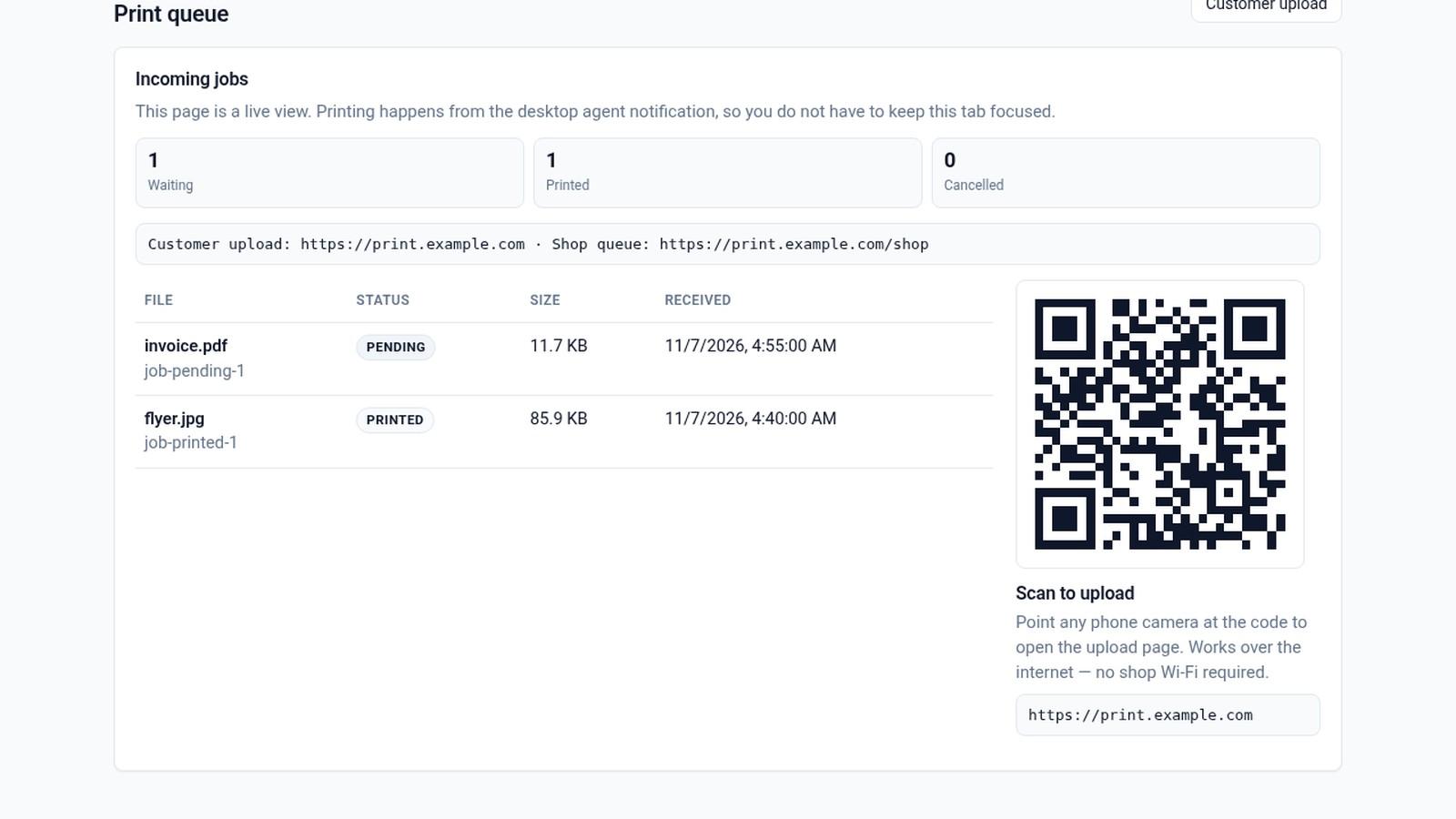
So I built a small path. The customer opens a page, later by scanning a QR, and uploads from the phone. On the shop PC, a desktop agent — Moharo Agent, a tray app — shows a Print or Cancel popup. Print goes to the usual system dialog. After a job is printed, the file is kept for up to 24 hours in case someone needs a reprint. Cancel deletes it straight away.
03What it does now
Moharo is in a shop pilot. There is a customer upload page, a shop queue for the owner, and the agent on the shop computer. The tagline we settled on is simple in both languages: from phone to press. फोनदेखि प्रेससम्म। The name comes from मोहर — a seal — which felt right for a shop that handles other people's documents.
04What stuck with me
The print button was the obvious part. The quieter part is the leftover file. A photocopy shop should not become a second inbox for other people's papers.