I Don't Know This (Yet): What Actually Makes a Senior Engineer
- #career
- #engineering
- #ai
- #learning
- #seniority
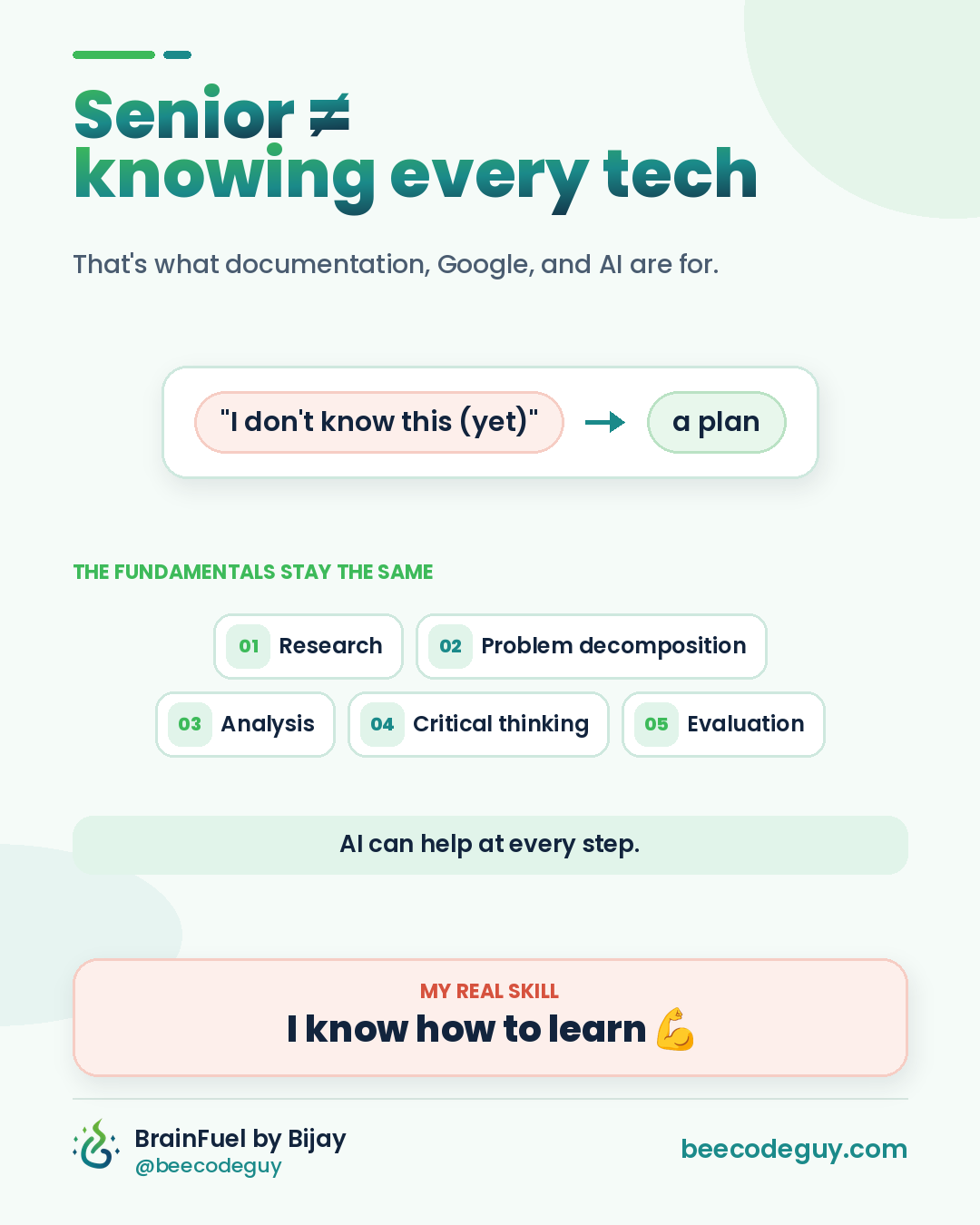
Being a senior engineer isn't about knowing every technology out there.
That's what documentation, Google, and AI are for.
I say this a lot, and people sometimes hear it as modesty. It isn't. It's a working method.
When something new lands on my desk, a framework I haven't used or a service I've never opened, my first honest sentence is usually:
"I don't know this (yet)."
And my second sentence is a plan.
That gap between the two sentences is where most of what we call "seniority" actually lives. Let's talk about it.
The myth of the walking encyclopedia
Early in our careers, most of us picture a senior engineer as someone who knows everything. They've seen every error message. They can recite every flag of every CLI. Ask them about Kafka, Kubernetes or the newest JavaScript runtime, and the answer just comes out.
That person doesn't really exist.
The tech landscape moves too fast for anyone to hold all of it in their head. New frameworks show up every few months. Libraries ship breaking changes. The cloud provider you know best renames half its services. If seniority meant knowing everything, nobody would stay senior for long.
What senior engineers actually have is something quieter and much more durable: a reliable way of figuring things out.
Think of a good doctor. They haven't memorised every drug interaction ever published. But they know how to examine a patient, ask the right questions, rule things out, and look up the details when it matters. The process is the expertise. The facts are looked up on demand.
Software works the same way.
Five situations where "I don't know" shows up
Before we get to the method, here are a few scenarios most engineers will recognise. You've probably been in at least one of them.
You join a team running a stack you've never touched. Say the new team is all Elixir, and you've spent five years in TypeScript and Python. Day one, you open the repo and half the syntax looks like a foreign language.
A production bug lands in a service you've never seen. Imagine a payments issue at the end of the month. Some transactions are being marked as failed even though the money moved. The service is written in Go, uses a message queue you've only read about, and the person who built it left last year.
A client asks for a tool you've never used. They want a dashboard in a BI tool you've never opened, or an integration with an API you'd never heard of until the meeting.
An interviewer asks something you don't know. "How would you tune garbage collection for this JVM service?" And you've never tuned a JVM in your life.
A junior freezes. They've been assigned a ticket involving GraphQL, they've never used it, and for two days they've said nothing because they're embarrassed that they "don't know GraphQL."
In every one of these, the tempting move is to bluff or to panic. The senior move is the same in all of them: name the gap honestly, then run the process.
The fundamentals don't change
When I start a new project or join a new team, I don't worry too much about the tech stack. Syntax is learnable in days. Framework conventions take a few weeks.
The fundamentals of problem solving stay the same everywhere:
- Research
- Problem decomposition
- Analysis
- Critical thinking
- Evaluation
These days, AI can help at every one of these steps. I use AI tools every day, from multi-agent setups to bots that handle email and codebase chores, and the biggest lesson has been this: AI makes the fundamentals faster, but it doesn't replace them. If you skip the thinking, AI just helps you get to the wrong answer sooner.
Let's walk through each one with the payments bug from above, since it's the scariest scenario on the list.
1. Research: build a map before you dig
You don't know Go well. You don't know this queue. Fine.
Research here doesn't mean reading the whole Go language spec. It means building just enough of a map to move: What does this service do? What calls it? What does it call? Where are the logs? What changed recently?
This is where AI is genuinely brilliant. Point an AI coding assistant at the repo and ask it to explain the shape of the system before you read a single file in depth.
I'm new to this repository and to Go.
Explain the high-level flow of a payment through this service:
- the entry point (HTTP handler or queue consumer)
- the main packages involved and what each does
- where the payment status gets written
- any retries, timeouts or background jobs
Point me to the exact files and functions. Don't guess; if something is unclear, say so.
In a few minutes, you have a rough map. Then you open the official docs for the queue library and read the section on delivery guarantees, because that's the part that matters for this bug.
Research is about asking, "What's the smallest amount I need to know to take the next step?"
2. Problem decomposition: make the scary thing small
"Payments are broken" is not a problem you can solve. It's a feeling.
Decomposition turns it into questions you can actually answer:
- Which transactions are affected? All of them, or only some?
- When did it start? Does it line up with a deploy?
- Is the money really moving, or does it only look like it?
- Is the status wrong in the database, or only in the UI?
- Could a message be processed twice, or processed out of order?
Each question is small, testable, and doesn't require you to be a Go expert.
AI is a great sparring partner here. You describe the symptoms and ask it to help you list hypotheses, not answers.
Symptom: some payments are marked FAILED, but the provider confirms the money moved.
Stack: Go service, consumes events from a message queue, writes status to Postgres.
List possible causes, grouped by category (retries, ordering, timeouts, idempotency, data).
For each one, tell me what evidence would confirm or rule it out.
Notice what that prompt does. It doesn't ask "fix my bug." It asks for a structured list of things to check. You stay in charge of the investigation.
3. Analysis: let the evidence talk
Now you collect evidence for each hypothesis. Logs, metrics, database rows, the git history around the time it started.
Say the logs show that for every affected payment, the "payment failed" event was processed a few seconds after the "payment succeeded" event. That's a strong signal: the events are arriving out of order, and the last one wins.
AI can speed up the boring part of analysis. You can paste a chunk of anonymised logs and ask it to find patterns, or ask it to write a quick SQL query that compares event timestamps to final statuses. That's real time saved, especially when you're not fluent in the stack.
One rule: never paste secrets, customer data or anything sensitive into a tool your company hasn't approved. Anonymise first. That's part of the job too.
4. Critical thinking: question the obvious answer
Here's where experience earns its keep.
The obvious fix is "just ignore events that arrive late." AI will happily suggest exactly that, and it might even write clean code for it.
But a senior engineer stops and asks:
- Why are events arriving out of order in the first place? Is it a retry? A slow consumer? Multiple partitions?
- If we ignore late events, could we ever drop a real failure?
- Is there a timestamp or sequence number we can trust, or are clocks involved?
- Who else consumes these events, and will this change surprise them?
Critical thinking isn't about being clever. It's about refusing to accept the first plausible answer without checking what it costs.
A useful AI prompt here flips the usual direction:
Here's my proposed fix: only apply a status update if its sequence number is
higher than the one already stored.
Argue against it. What edge cases, race conditions or failure modes could this
introduce? What would a careful reviewer ask me?
Asking AI to attack your idea is one of the most underrated ways to use it.
5. Evaluation: prove it, don't feel it
Finally, you check whether your fix actually works and whether it's safe to ship.
That means a test that reproduces the out-of-order case, a review from someone who knows the service, a staged rollout if the risk is high, and a clear way to watch the metrics after deploy.
AI can write the first draft of that test. It can also generate edge-case inputs you might not think of. But you decide whether the test really proves what it claims to prove.
Where AI can mislead you
I'm a big believer in AI tools. I'm also very aware of how they fail, and you should be too, especially when you're working in a stack you don't know yet. That's exactly when it's hardest to spot a wrong answer.
A few common traps:
- Confident and wrong. AI can describe an API method that doesn't exist, or a config option from an older version, in a perfectly confident tone.
- Outdated advice. Frameworks change. An answer that was correct two major versions ago can be quietly wrong today.
- Plausible but shallow fixes. It's very good at making the error go away. That's not the same as fixing the cause.
- Agreeing with you. If your question contains a wrong assumption, the answer often builds on it instead of challenging it.
- Missing context. It only knows what you show it. It doesn't know about the cron job on the other server or the team agreement from last quarter.
That's why evaluation is the step you never skip. My simple rules:
- Check important claims against the official docs.
- Run the code. Don't just read it.
- Ask "how would I know if this is wrong?" before shipping.
- When the stakes are high, get a human review from someone who knows the system.
AI is a fast, tireless assistant. It's not the person who signs off on the decision. You are.
How to say "I don't know (yet)" in a meeting
A lot of engineers know they should admit what they don't know, but freeze when it's time to say it out loud, in front of a manager or a client.
The trick is simple: never stop at "I don't know." Pair it with what you do know and what you'll do next.
Some phrasing that works:
"I haven't worked with that tool yet. I can spend today on a small spike and
come back tomorrow with a clear yes or no and an estimate."

"I don't know the answer off the top of my head. My guess is it's related to
retries, but I'd rather confirm with the logs than guess. I'll update the
thread by 3 PM."

"I don't know this part of the system yet. Who's the best person to pair with
for an hour so I can get up to speed faster?"
And in an interview, when you're asked something you genuinely don't know:
"I haven't tuned that myself, so I won't pretend I have. Here's how I'd approach
it: first I'd measure where the time is actually going, then read the official
tuning guide, then change one setting at a time and compare against a baseline."
Interviewers for senior roles are rarely testing whether you've memorised a fact. They want to see how you think when you hit the edge of what you know. A clear plan beats a bluff every time.
Coaching the junior who froze
Back to the junior who spent two days stuck on GraphQL without saying anything.
The worst response is "Why didn't you ask?" They already feel bad. The better response is to show them the process, out loud:
- "Let's write down what you're trying to do in one sentence."
- "Now let's find the official getting-started guide and read just the first section."
- "Let's ask AI to explain this one query in our codebase, line by line."
- "What's the smallest change you could make and test in the next hour?"
The goal isn't to teach them GraphQL. It's to teach them that "I don't know X" is a starting point, not a verdict. Once they see that, they'll stop hiding and start asking earlier, which is better for everyone.
Your first two weeks on an unfamiliar stack
Here's a practical plan I'd suggest for joining a team or project where the stack is new to you. Adjust it to the team, but the shape holds.
Week 1: map and run
- ✅ Get the project running locally. Note every step that wasn't documented and fix the README as you go.
- ✅ Ask AI to give you a tour of the codebase: entry points, main modules, data flow. Verify it against the code.
- ✅ Read the official "getting started" guide for the main language or framework. Just the basics, not the whole manual.
- ✅ Trace one real request end to end, from the UI or API call to the database and back.
- ✅ Write down every term you don't understand, and look them up in batches.
- ✅ Ask for 30 minutes with someone who knows the system. Bring your questions written down.
Week 2: ship something small
- ✅ Pick a small, low-risk ticket: a bug fix, a test, a tiny feature.
- ✅ Before coding, write a short plan and ask AI to critique it.
- ✅ Follow the team's existing patterns, even if you'd do it differently elsewhere. Learn the house style first.
- ✅ Write or extend a test for your change.
- ✅ Open a pull request with a clear description, and treat review comments as free lessons.
- ✅ At the end of the week, write a one-page "things I wish I'd known on day one" note for the next new person.
By the end of two weeks, you won't be an expert. But you'll be useful, you'll have shipped, and you'll have a map. That's the real goal.
The skill underneath all the skills
Here's the part I want you to take away.
Specific technical knowledge has a shelf life. The framework you master today might be legacy in five years. That's not a reason to stop learning tools. Depth matters, and real experience with real systems is valuable.
But the thing that keeps you valuable across every stack change is the ability to learn: to walk into something unfamiliar, stay calm, and turn "I don't know" into "here's the plan" into "here's the fix."
I know I can still deliver value on a new project, in a new stack, with a new team, because I've developed something far more valuable than specific technical knowledge.
I'm confident in my ability to learn.
Final thoughts
Senior isn't knowing every technology.
It's knowing what to do when you don't.
Say "I don't know this (yet)." Make a plan. Research, break it down, analyse, think critically and evaluate. Let AI speed up every step, but keep your own judgement on the final call.
The stack will keep changing.
The fundamentals won't.
If this was useful, follow BrainFuel by Bijay for more practical notes on engineering, AI and careers, and find more posts at beecodeguy.com.